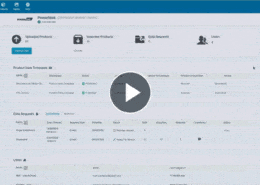
Most teams can say how many products they hold. Far fewer can say how many are finished but still unpublished. The Pimberly dashboard is the first screen you see when you log in. It shows active product counts, product grading, where each schema sits in its lifecycle, and how products break down by feed and by channel, so you can see where every product is and which channels it has reached.
With Pimberly’s dashboard, you can:
- See active product counts as soon as you log in
- Grade products on how well they will present on each sales channel, using rules you configure
- Flag products with too few images or a thin description before they go out
- Track each schema through its lifecycle, with requirements a product must meet at every stage
- Spot incomplete products that haven’t met their lifecycle requirements yet
- Find unreleased products where the content is ready but nobody has pressed go
- View how products break down by feed and by channel
See how it works in the video below: